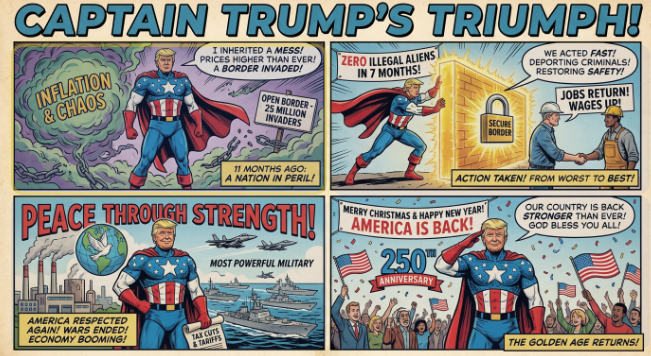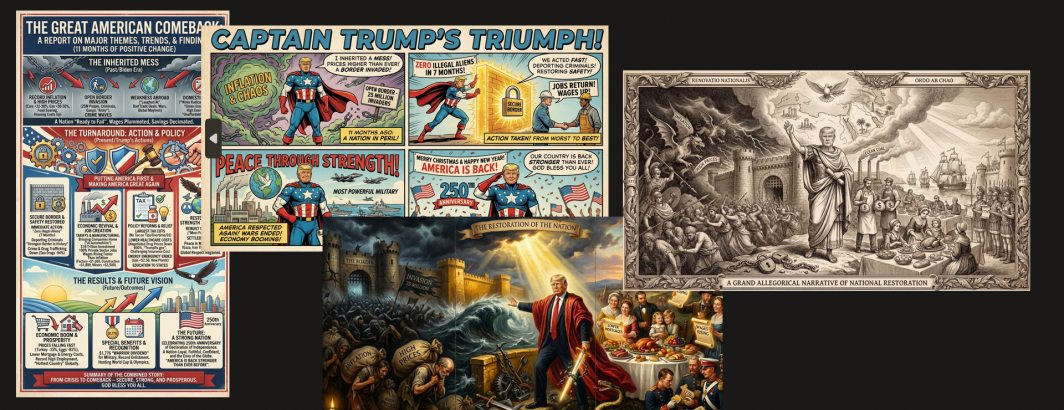
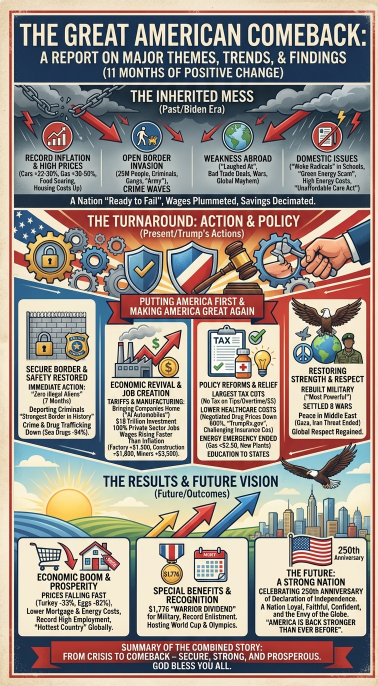
Earlier today we demonstrated how Gemini 3 Pro can turn a static JPEG infographic image created by Nano Banana Pro into a rich interactive clickable HTML experience that connects each section back to citations from the original source information, establishing provenance and evidentiary support. Let's repeat this process for two of the infographics we created of President Trump's Address to the Nation from December 17, 2025. Here we take the static infographic JPEG images we previously created last month with Gemini 3 Pro and Nano Banana Pro and asked Gemini 3 Pro to carefully visually analyze both and create an interactive HTML page with clickable regions over all of the key sections of the image, then go back to the full transcript of the video and integrate snippets from his speech and their respective timecodes into each clickable section to allow viewers to click on any section of the infographic and see the original statements supporting that claim. Gemini 3 Pro does all of this with just two prompts and zero human intervention of any kind!
Let's start with the infographic version of his speech and use the following prompt to ask Gemini 3 Pro to carefully analyze the image and turn it into an interactive HTML page that has clickable overlays over all of the key sections:
Analyze the image carefully. Its URL is "https://storage.googleapis.com/data.gdeltproject.org/blog/2026-infographics/trumpspeechimg1.jpg" Make an HTML page that makes all of the various sections of the infographic clickable with a faint colored overlay. For each clickable section, have it display an overlay when clicked that contains info about that section.
It does a perfect job of identifying each section, so now let's go back and provide it the transcript of the video copied-pasted from YouTube along with this prompt:
That's perfect. Now go through the transcript below and for each clickable area, find the snippets that relate to that clickable area and update the overlay text for that section to add the snippets from the transcript (and their timecodes) that relate to that section and provide the supporting evidence for what it says.
Click on the image below to view the interactive version:
How about our superhero comic-style infographic of his speech? We repeat the same process as above. Click on the image below to view the interactive version: