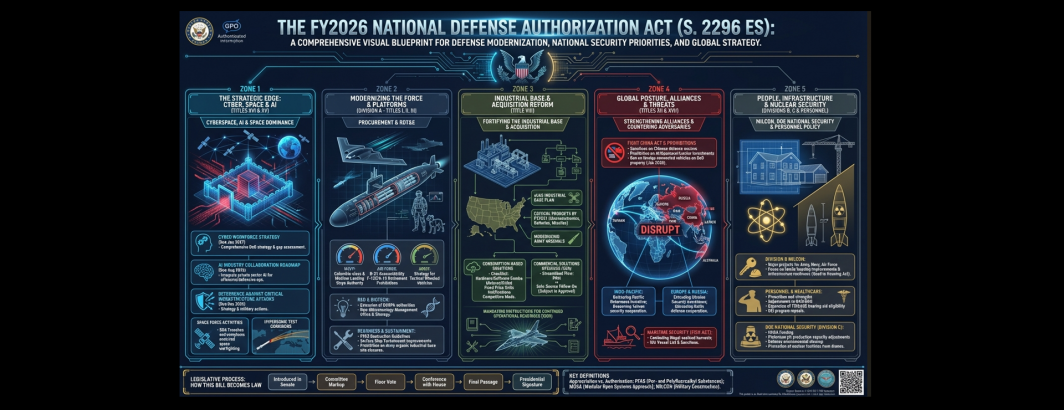
Continuing our experiments turning legislation into infographics, could we combine Gemini 3 Pro and Nano Banana Pro to turn the 3,100-page FY2026 National Defense Authorization Act (NDAA) into a single infographic that captures its core provisions? Given its enormous size, the NDAA is vastly larger than what Gemini can handle as a single document, so we split the NDAA into eight 400-page chunks and had Gemini 3 Pro turn each of the eight parts into an infographic prompt that we then had Nano Banana Pro render into an image. Then we had both Gemini 3 Pro and Nano Banana Pro combine all eight infographics into one final master infographic designed to capture the gist of the entire 3,100-page act. You can see the results below. Notice how the style of each of the eight infographics is slightly different, matching that section of the NDAA and the details that it emphasizes. To demonstrate making topic-specific infographics, we repeated the same workflow, but modified our prompt to ask for only the China-related provisions in the NDAA and repeated for drones and AI as well.
While the text this time is considerably less legible in many places than our previous experiments, the general gist and topical breakdown of the infographics is still quite clear and the visuals and layout are both visually appealing and strongly communicate most of the top-level themes of the NDAA. In fact, you could simply post-edit several of the infographics below to correct the text and have a powerful rapid visual communication for the NDAA. The results below are compelling enough to suggest that even the largest and most complex legislation can be visualized using this new workflow, even if some post-editing is required.
Final Complete NDAA Infographic Using Nano Banana Pro
The single infographic below combines all eight infographics into a single infographic representing all 3,100 pages by giving Nano Banana Pro all eight infographic prompts and asking it to blend into a single image.
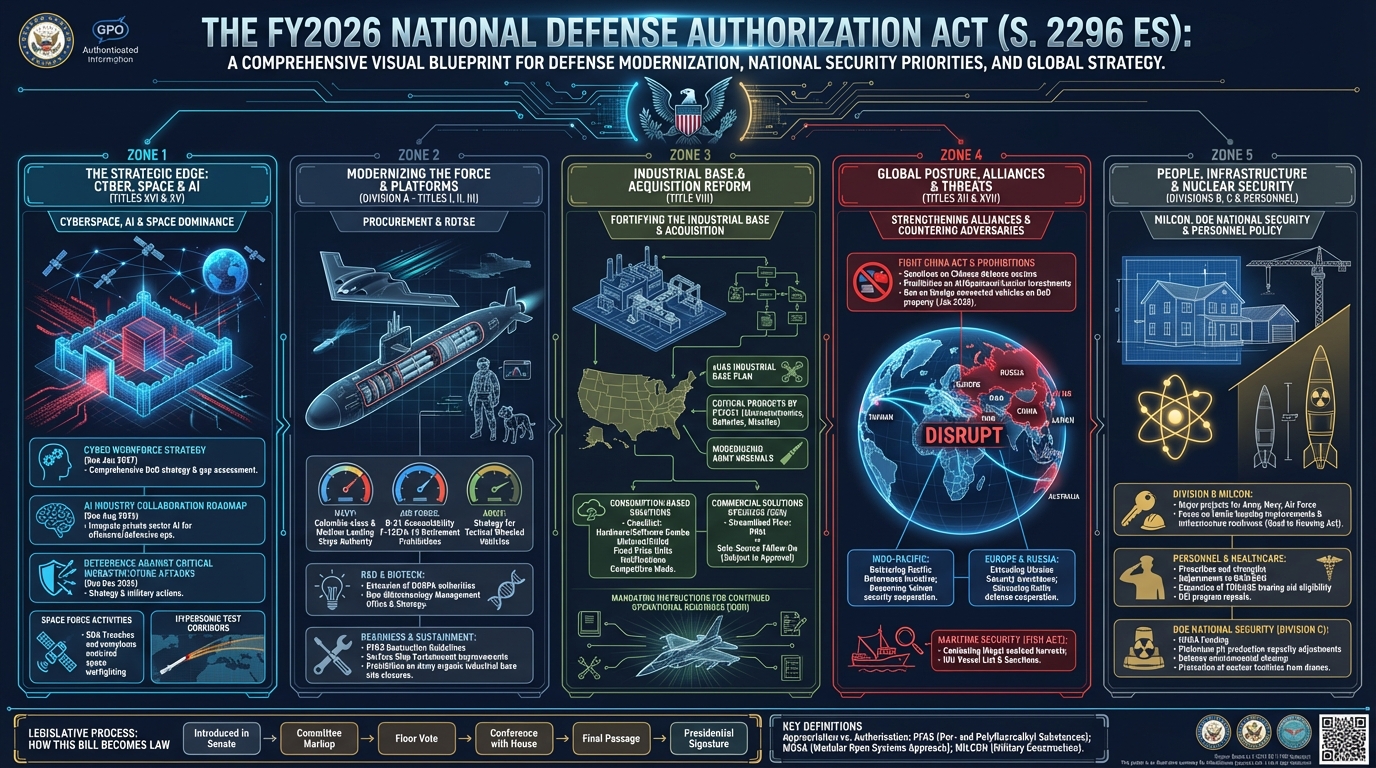
Final Complete NDAA Infographic Using Gemini 3 Pro + Nano Banana Pro
The single infographic below combines all eight infographics into a single infographic representing all 3,100 pages by first asking Gemini 3 Pro to blend the eight infographics into a single infographic and then rendering it using Nano Banana Pro. This is the same overall idea as above, but this time using Gemini 3 Pro to merge the eight to see if Gemini 3 Pro could do a better job of combining the infographics than Nano Banana Pro on its own.
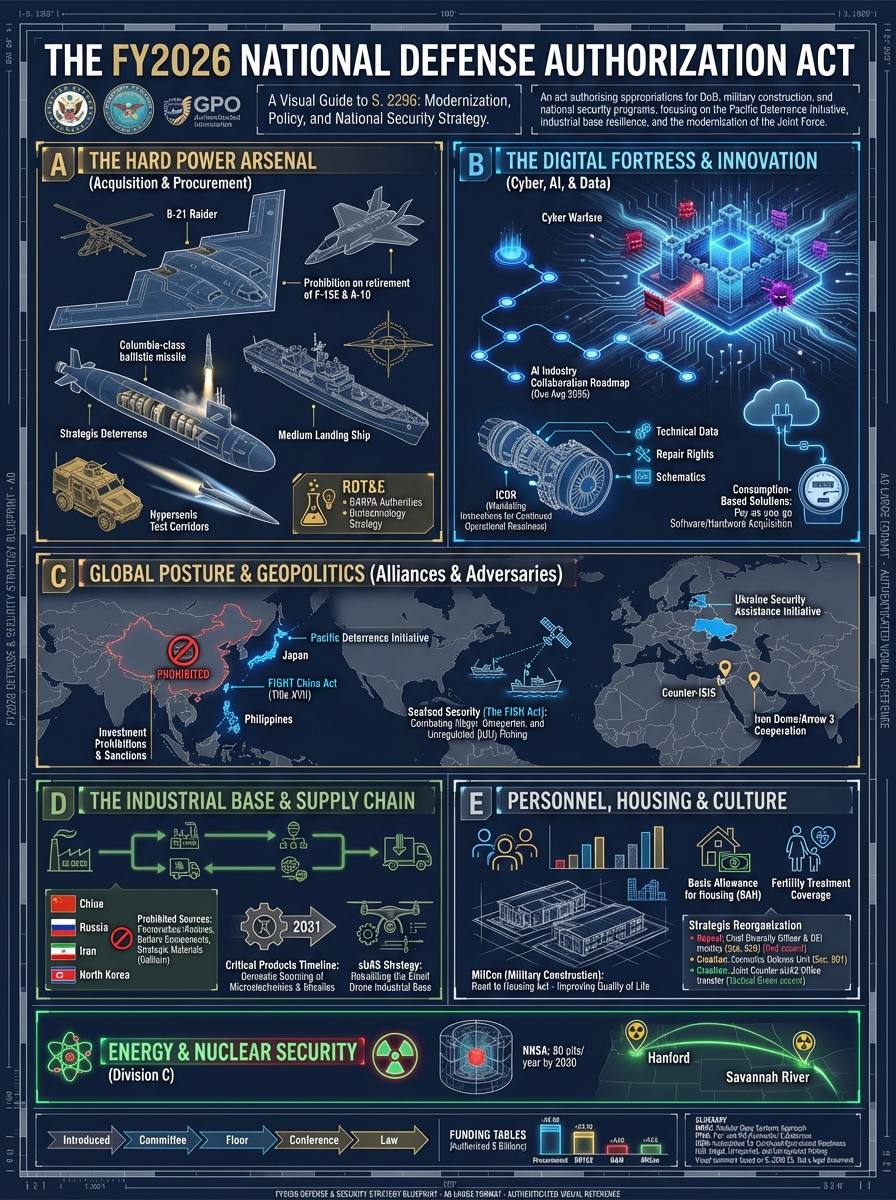
NDAA China Focus
This infographic reflects the portions of the NDAA relating to China. Gemini 3 Pro was asked to examine all eight chunks of the NDAA for anything relating to China and to make an infographic prompt from what it found and those eight prompts were then blended together in Nano Banana Pro to create the infographic below reflecting all China-related portions of the NDAA.
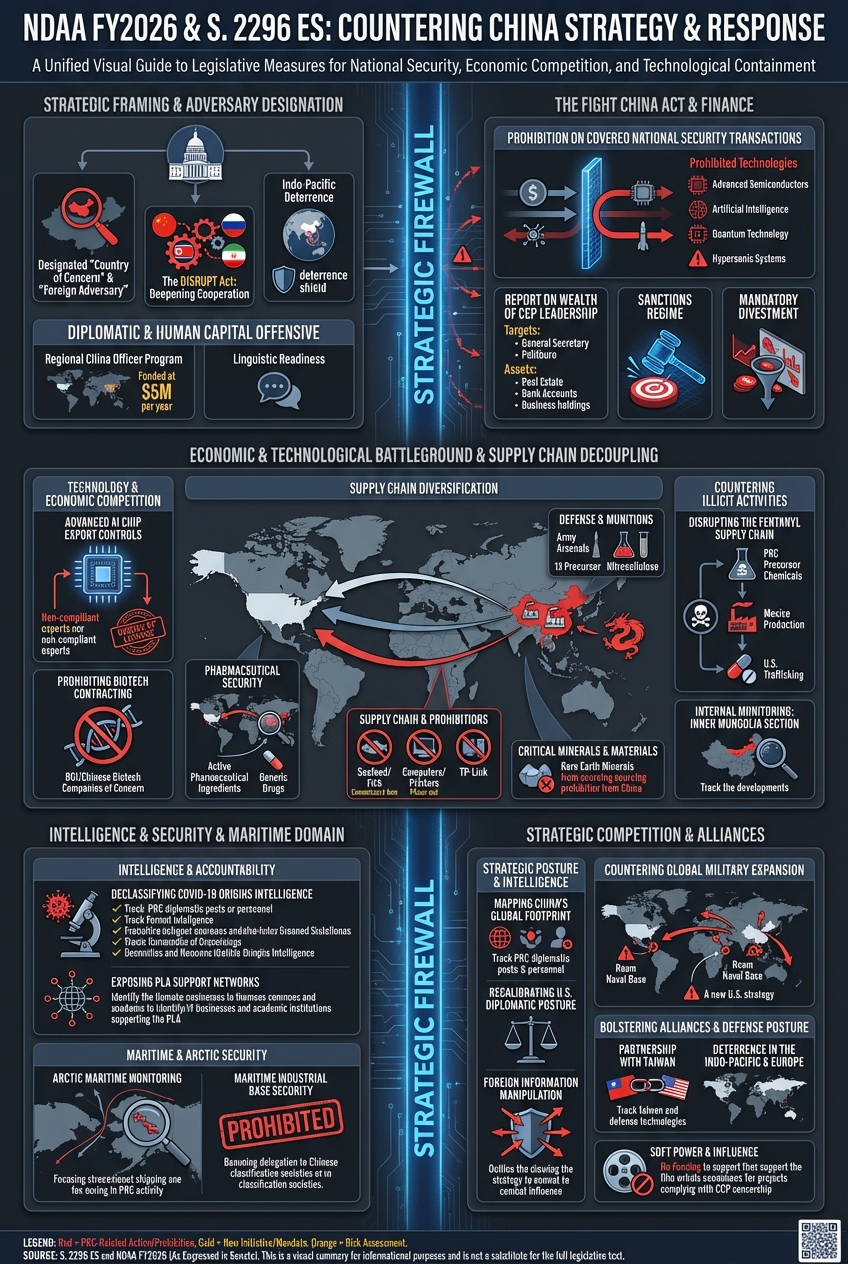
NDAA AI Focus
This infographic reflects the portions of the NDAA relating to AI. Gemini 3 Pro was asked to examine all eight chunks of the NDAA for anything relating to AI and to make an infographic prompt from what it found and those eight prompts were then blended together in Nano Banana Pro to create the infographic below reflecting all AI-related portions of the NDAA.

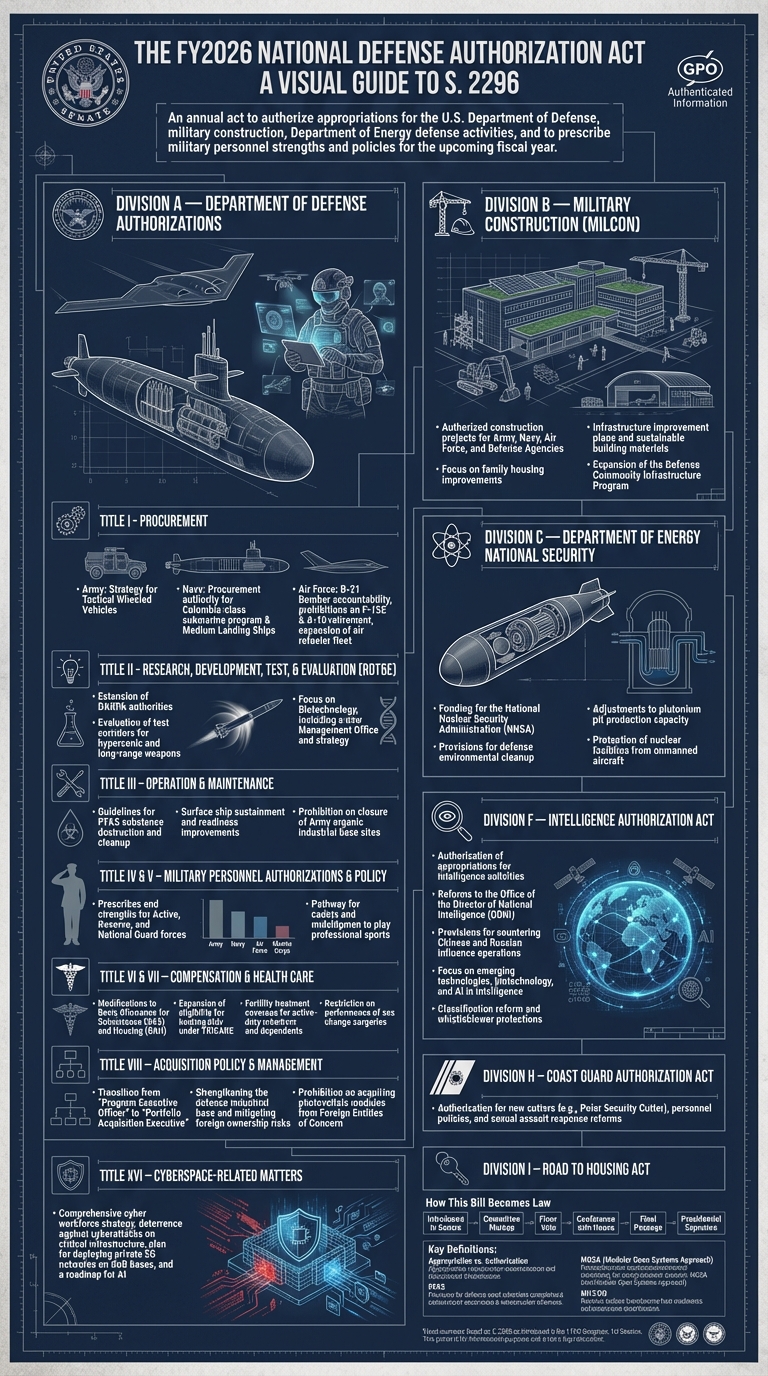
NDAA Pages 1-387
Below is the infographic based on the first 387 pages of the NDAA.
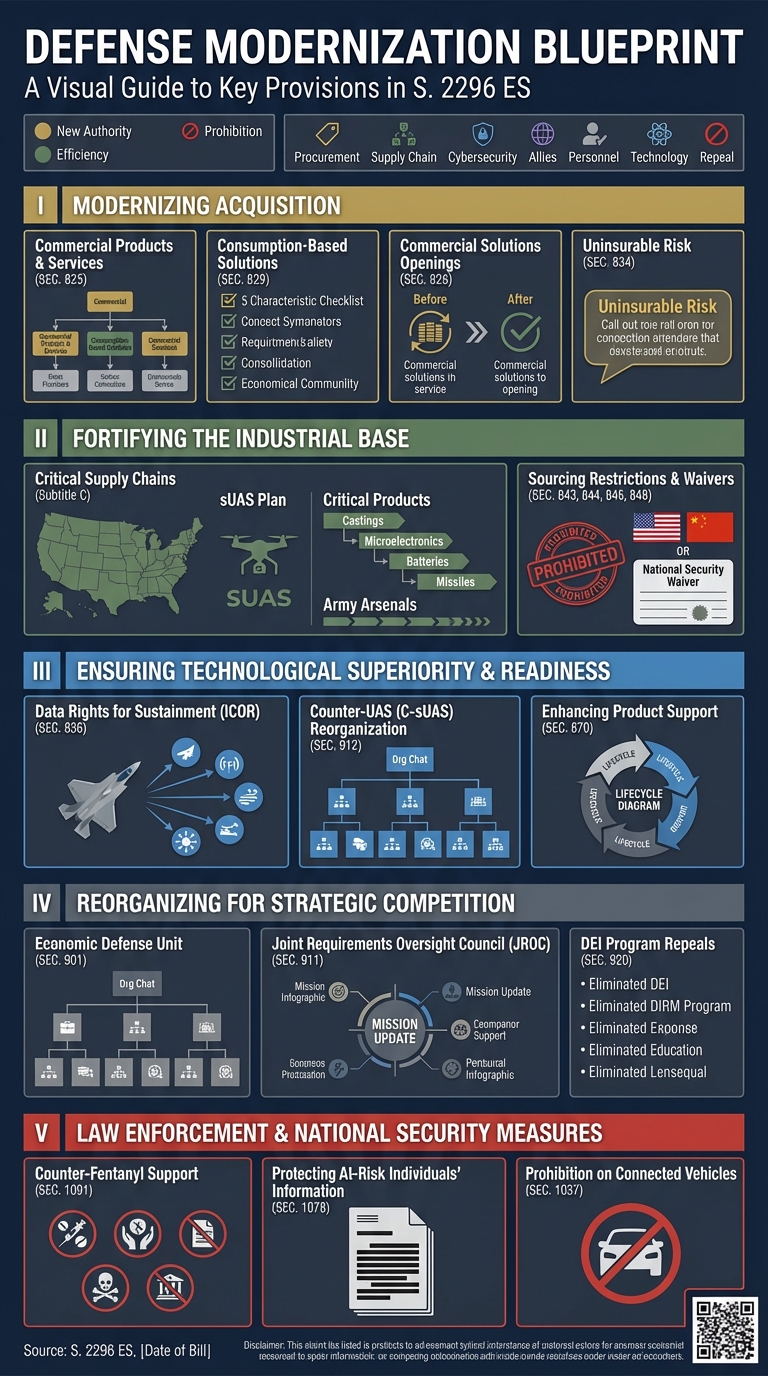
Pages 388-774
The infographic below visualizes pages 388-774 of the NDAA.
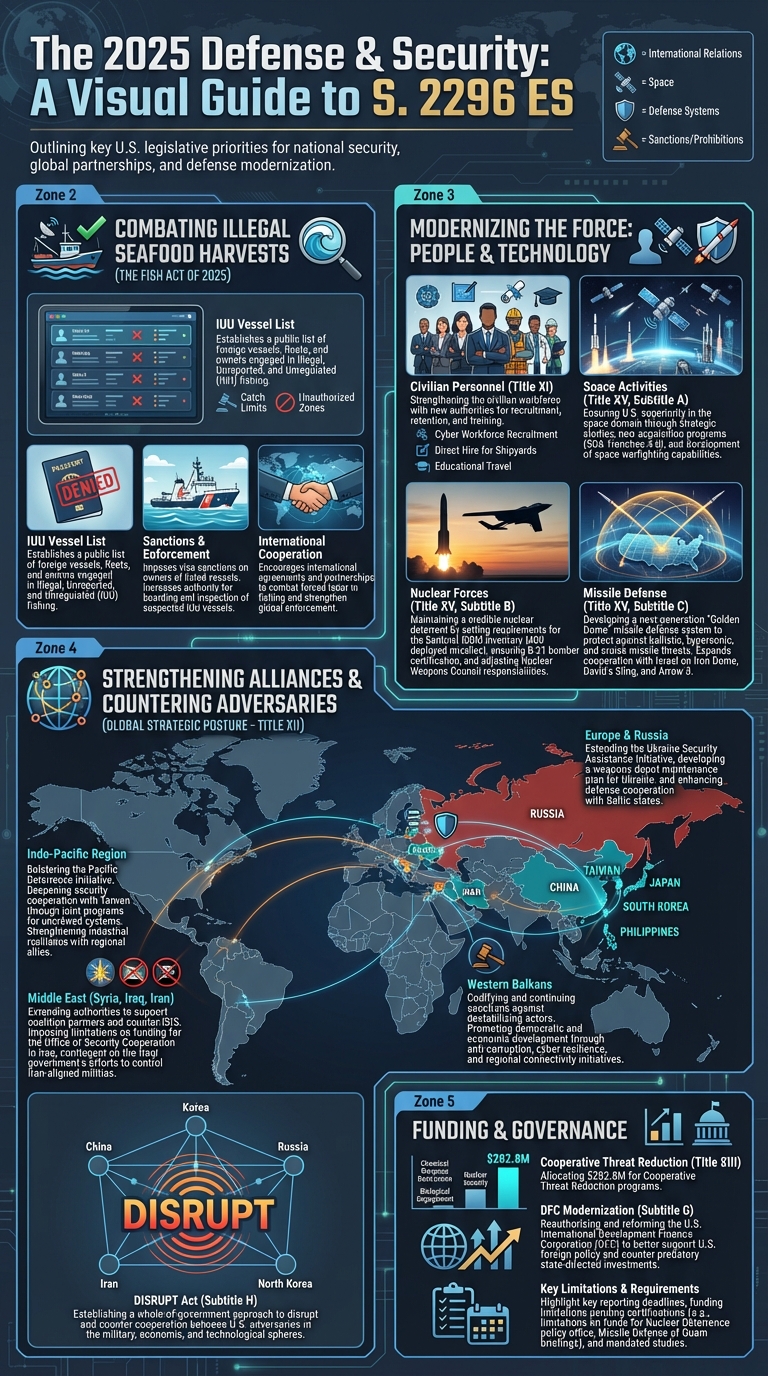
Pages 775-1161
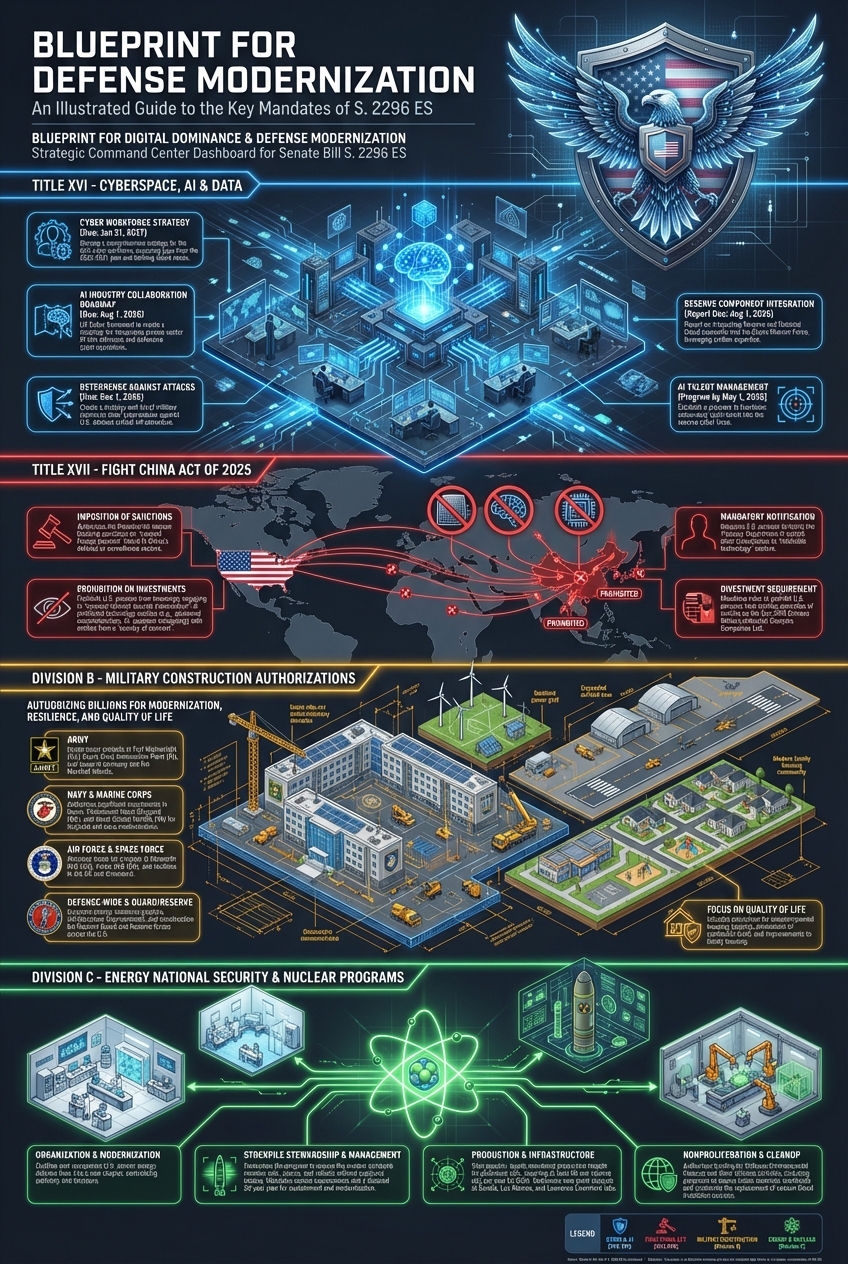
Pages 1162-1548
Pages 1549-1935
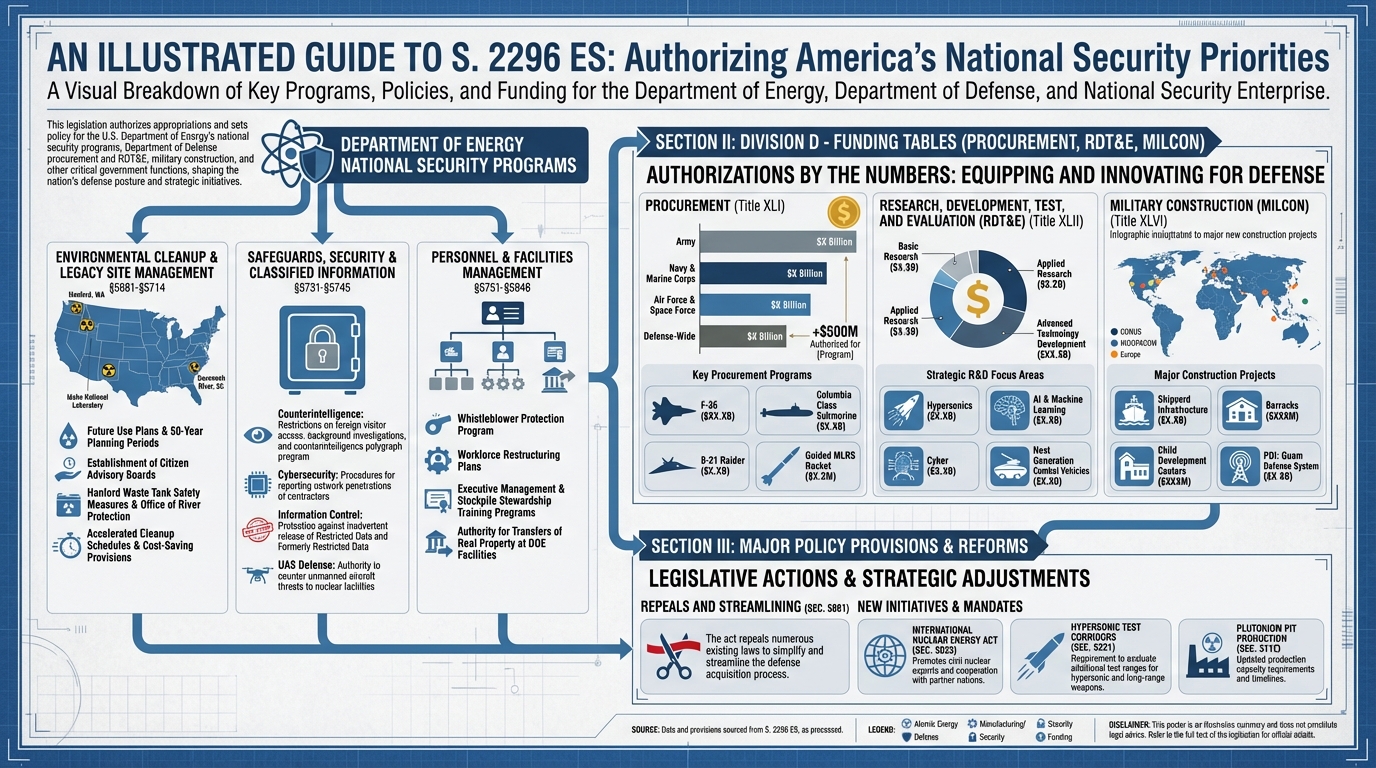
Pages 1936-2322
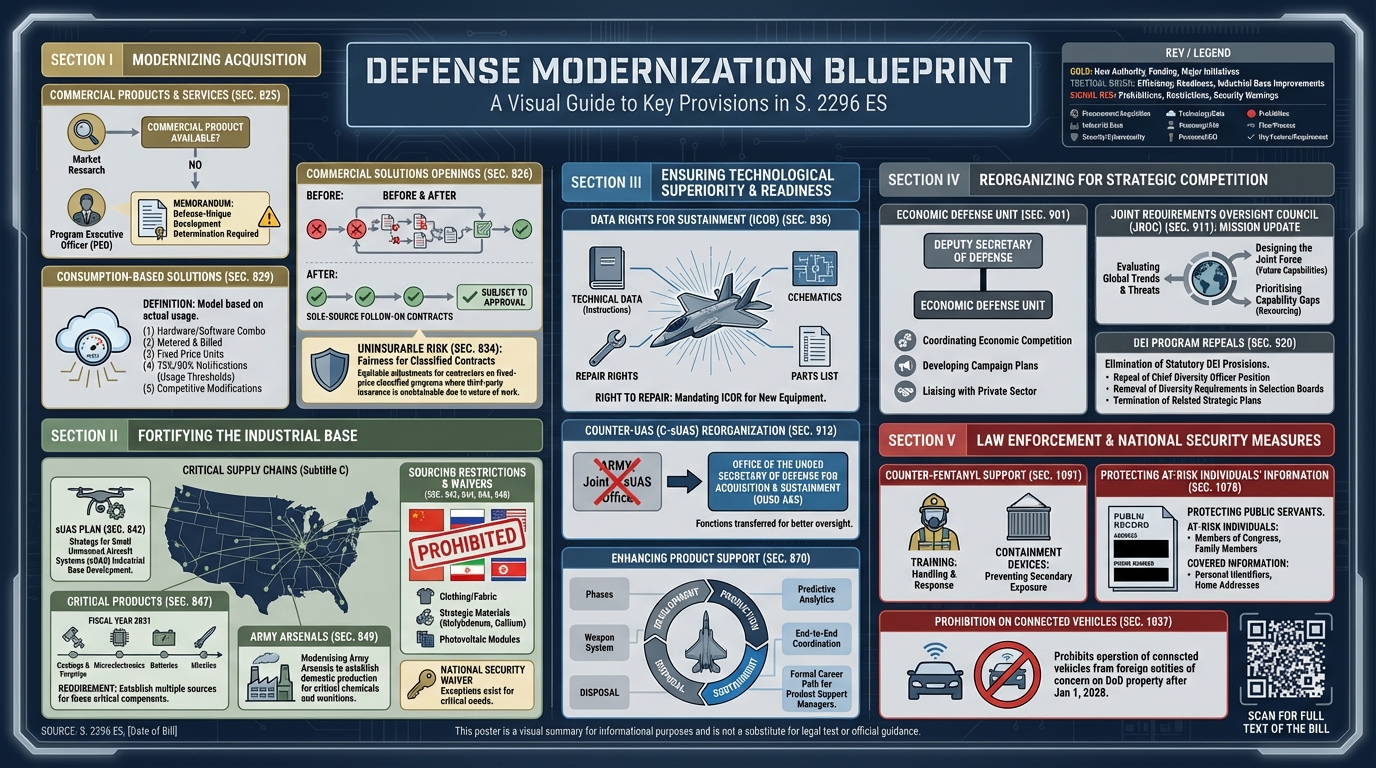
Pages 2323-2709
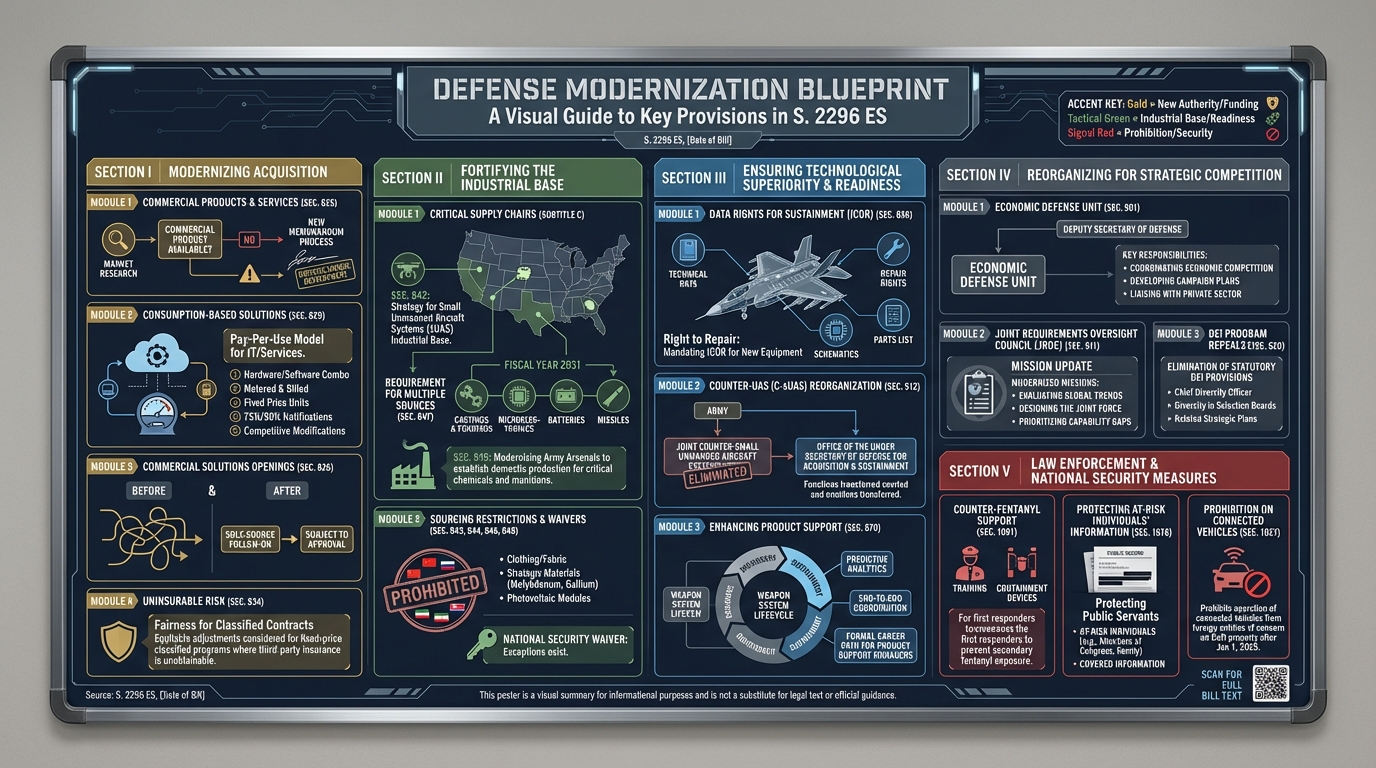
Pages 2710-3096
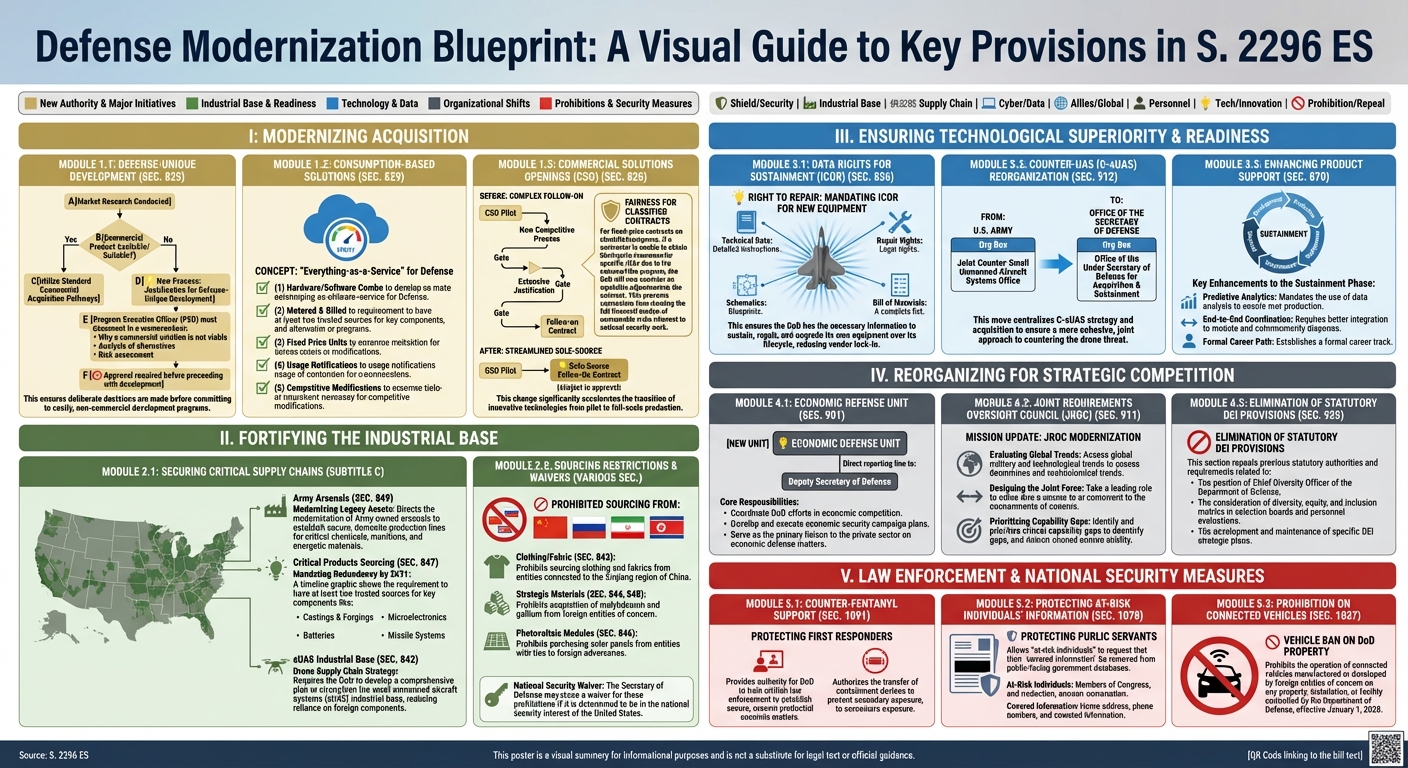
For those interested in the technical workflow, we used the following process to split the full 3100-page PDF into eight chunks:
apt-get -y install pdftk
wget https://www.congress.gov/119/bills/s2296/BILLS-119s2296es.pdf

PAGES=$(pdftk BILLS-119s2296es.pdf dump_data | awk '/NumberOfPages/ {print $2}')
SIZE=$((PAGES/8))

pdftk BILLS-119s2296es.pdf cat 1-$SIZE output part1.pdf
pdftk BILLS-119s2296es.pdf cat $((SIZE+1))-$((2*SIZE)) output part2.pdf
pdftk BILLS-119s2296es.pdf cat $((2*SIZE+1))-$((3*SIZE)) output part3.pdf
pdftk BILLS-119s2296es.pdf cat $((3*SIZE+1))-$((4*SIZE)) output part4.pdf
pdftk BILLS-119s2296es.pdf cat $((4*SIZE+1))-$((5*SIZE)) output part5.pdf
pdftk BILLS-119s2296es.pdf cat $((5*SIZE+1))-$((6*SIZE)) output part6.pdf
pdftk BILLS-119s2296es.pdf cat $((6*SIZE+1))-$((7*SIZE)) output part7.pdf
pdftk BILLS-119s2296es.pdf cat $((7*SIZE+1))-$((8*SIZE)) output part8.pdf
The resulting PDFs were still too large for Nano Banana Pro, so each PDF was loaded into Gemini 3 Pro with the following prompt:
Give me a prompt to create a large illustrated explainer poster designed to be printed on a large-format poster printer and hung up on the wall that narrates the attached briefing as a single large poster that can be printed and hung on a wall that outlines all of the core details. It should cover all of its key details.
The resulting prompts were then loaded into Nano Banana Pro to generate the final images above. To create the two merged posters, we used the following additional prompt (the first with Gemini 3 Pro and the second with Nano Banana Pro to test which workflow yielded the best results):
Below are a set of prompts for eight different infographics. I want you to give me a prompt that merges them all into a single large illustrated explainer poster designed to be printed on a large-format poster printer that merges them all together into a single poster.
Below are a set of prompts for eight different infographics. I want you to merge them all into a single large illustrated explainer poster designed to be printed on a large-format poster printer that merges them all together into a single poster.
To replicate the posters above, here are the prompts used to generate each of the eight chunks and which were combined together to produce the two whole-NDAA infographics.