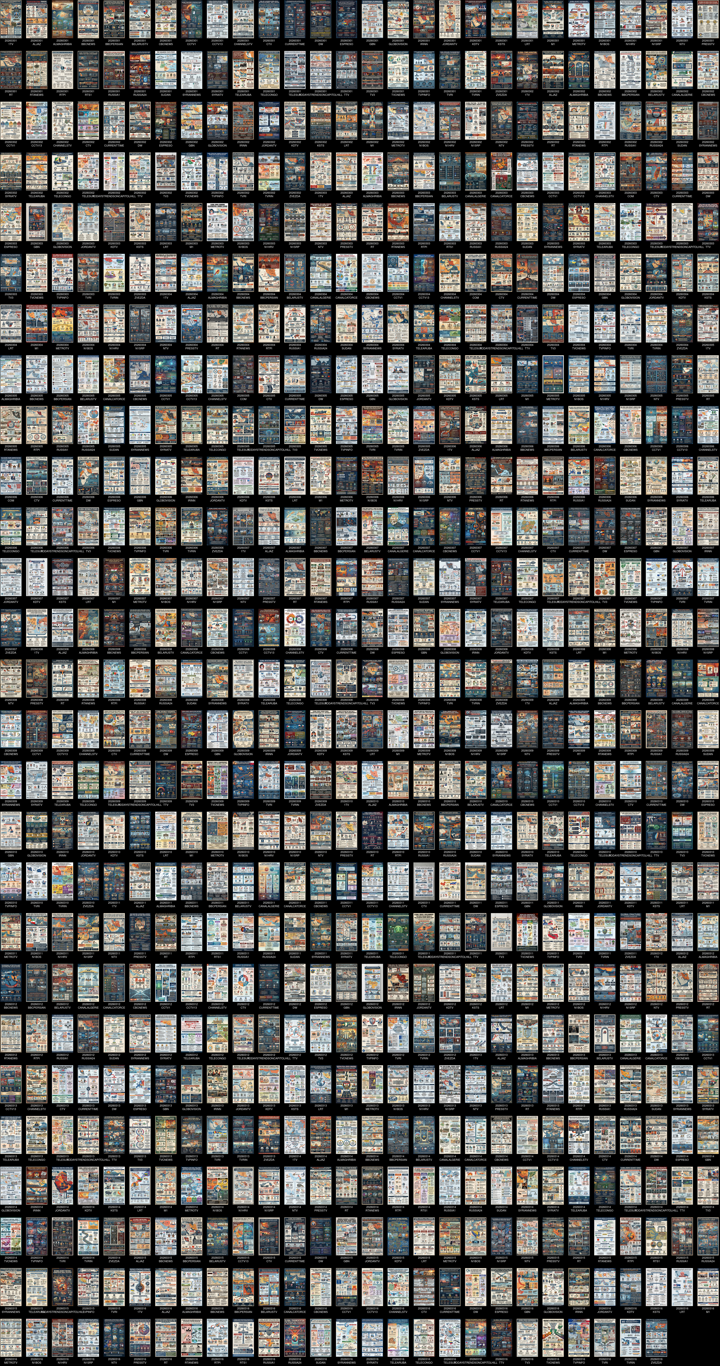
Yesterday we showed how to use Gemini 3.1 to create the ImageMagick code to turn a directory of media trend infographics into a montage of global media trends from a single day. This time, let's have Gemini upgrade that code to add in date information and scale to March 1-16, 2026, creating a single montage of half a month of global media trends as deeply analyzed by Gemini 3.1 and visualized using Nano Banana Pro in collaboration with the Internet Archive's TV News Archive as a public interest experiment in applying deep thematic trend analysis to television news coverage from around the world to explore how responsibly applied advanced AI can help journalists and scholars better understand the overarching trends, themes and patterns of our global world. No data has been used to train or tune any model. View the final montage (low resolution / medium resolution / high resolution).


Gemini 3.1 was asked to modify our earlier montage code to add in the date of each broadcast, yielding the modified code below. We also preprocess the infographics ahead of time single montage is single-threaded, so this way it doesn't have to perform resizing:
time find *.cover.jpg | parallel --eta 'convert -resize 250x250 {} {.}.250x.jpg'
time find *.cover.jpg | parallel --eta 'convert -resize 500x500 {} {.}.500x.jpg'
time find *.cover.jpg | parallel --eta 'convert -resize 1000x1000 {} {.}.1000x.jpg'
n=$(ls -1 *.250x.jpg | wc -l | awk '{s=sqrt($1); print (s==int(s)) ? s : int(s)+1}'); time montage $(ls *.250x.jpg | awk -F'.' '{print "-label", $1"\\n"$2, $0}') -background black -fill white -pointsize 18 -geometry +15+15 -tile ${n}x${n} 2026-03-18-infographicmontagemarch-250px-full.jpg&
n=$(ls -1 *.500x.jpg | wc -l | awk '{s=sqrt($1); print (s==int(s)) ? s : int(s)+1}'); time montage $(ls *.500x.jpg | awk -F'.' '{print "-label", $1"\\n"$2, $0}') -background black -fill white -pointsize 18 -geometry +15+15 -tile ${n}x${n} 2026-03-18-infographicmontagemarch-500px-full.jpg&
n=$(ls -1 *.1000x.jpg | wc -l | awk '{s=sqrt($1); print (s==int(s)) ? s : int(s)+1}'); time montage $(ls *.1000x.jpg | awk -F'.' '{print "-label", $1"\\n"$2, $0}') -background black -fill white -pointsize 18 -geometry +15+15 -tile ${n}x${n} 2026-03-18-infographicmontagemarch-1000px-full.jpg&
You can see a preview version of the final resulting montage below. View the final montage (low resolution / medium resolution / high resolution).