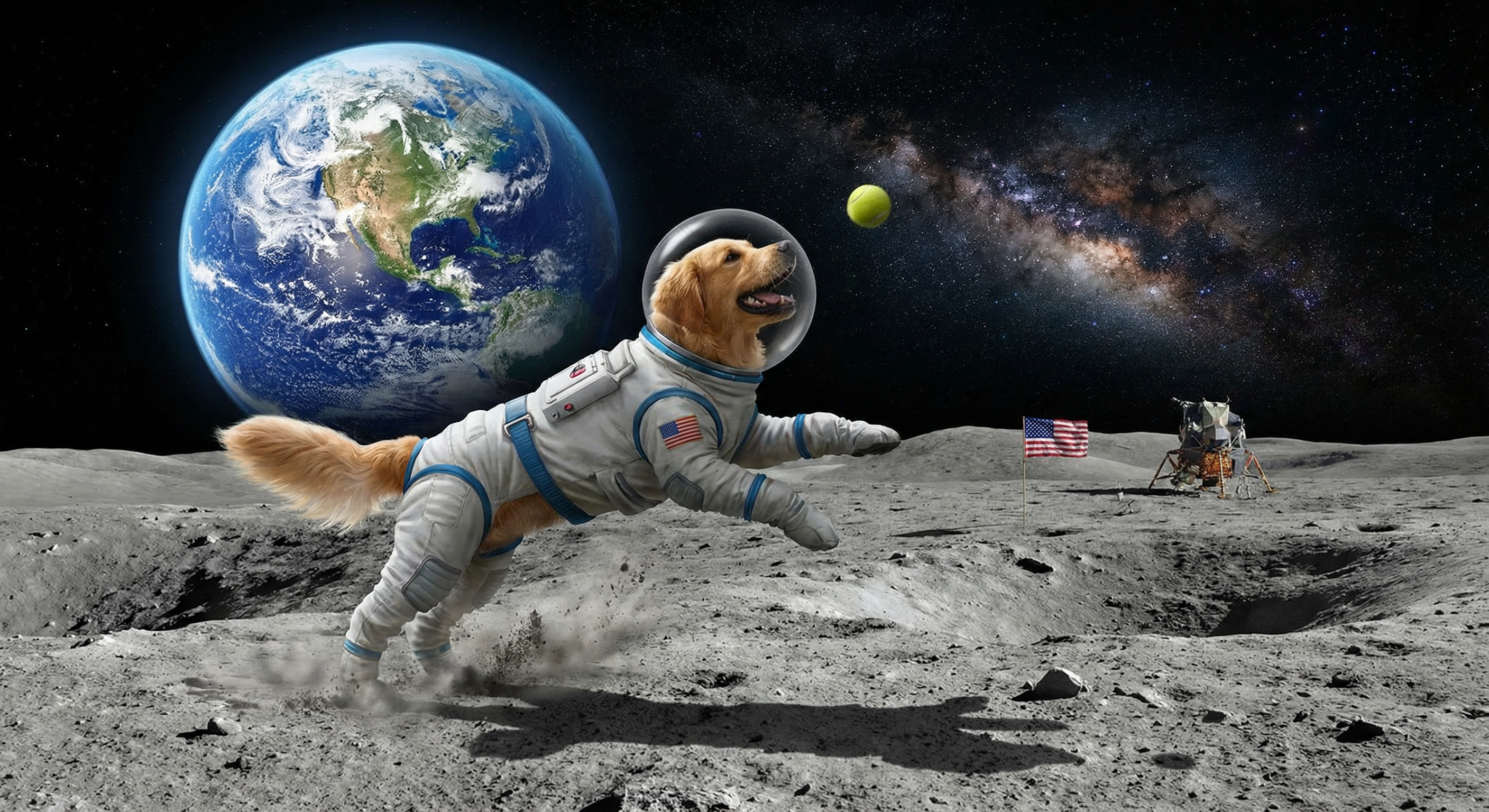
Creating images programmatically with Nano Banana Pro is trivial using the GCP Vertex API, but requires a few extra steps to extract and decode the image data from the response. Let's take a look at making a fun image of a golden retriever chasing a tennis ball on the moon.
First save the following configuration file to "NANO.json". Change the "text" field to the prompt you wish to use. You can also adjust the "imageSize": 2-4K yield the best results for text-heavy infographic-style images:
{
  "contents": {
    "parts": [
      {
        "text": "Make me an image of a golden retriever chasing a tennis ball on the moon with the blue marble earth in the background."
      }
    ],
    "role": "user"
  },
  "generationConfig": {
    "imageConfig": {
      "imageSize": "2K"
    },
    "responseModalities": [
      "IMAGE"
    ]
  }
}
Now we'll submit that config to Nano Banana Pro. It will return the image data as inline BASE64-encoded binary, so we use jq to parse and decode it into a standalone file:
time curl -X POST -H "Authorization: Bearer $(gcloud auth print-access-token)" -H "Content-Type: application/json" "https://aiplatform.googleapis.com/v1/projects/[YOURPROJECTID]/locations/global/publishers/google/models/gemini-3-pro-image-preview:generateContent" -d @./NANO.json -o out.json
cat out.json | jq -r '.candidates[0].content.parts[0].inlineData.data' | base64 --decode > image.jpg
You can see the final image below: