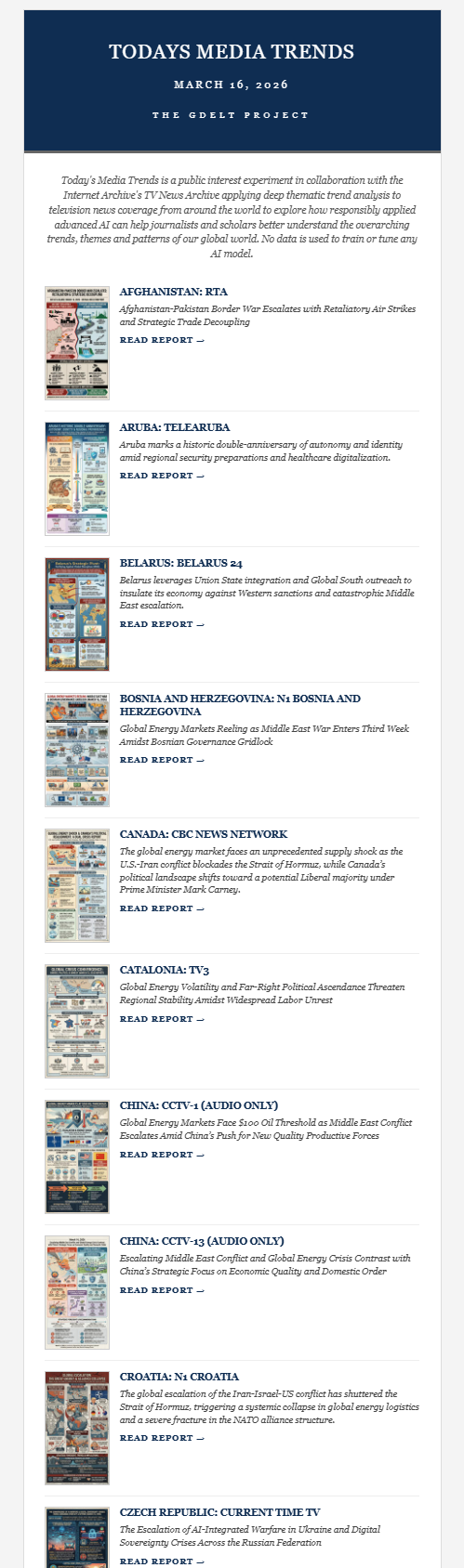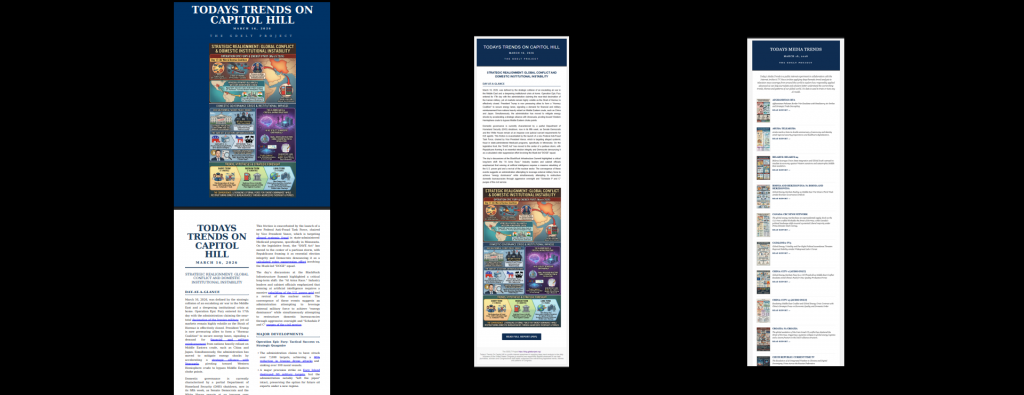
Turning a daily analytic PDF report into an equivalent email newsletter that shares the same visual look-and-feel and thematic styling historically involved a fair amount of trial-and-error HTML and CSS coding, testing under multiple email clients, adhering to myriad standards and best practices and extensive experimentation. Today, turning a PDF into a similar-looking email newsletter requires nothing more than a few prompts. Here we take the PDF of one of our forthcoming daily deep trend analysis reports and create the HTML and CSS for the daily email newsletter that will be used to share it each morning. Below you can see the Gemini 3.1 Pro prompts used to iteratively and interactively design it, along with the final newsletter and a second larger compilation newsletter.
The attached report is produced each morning and will be shared via a subscribers mailing list.
Provide the HTML for that daily email that links to the report.
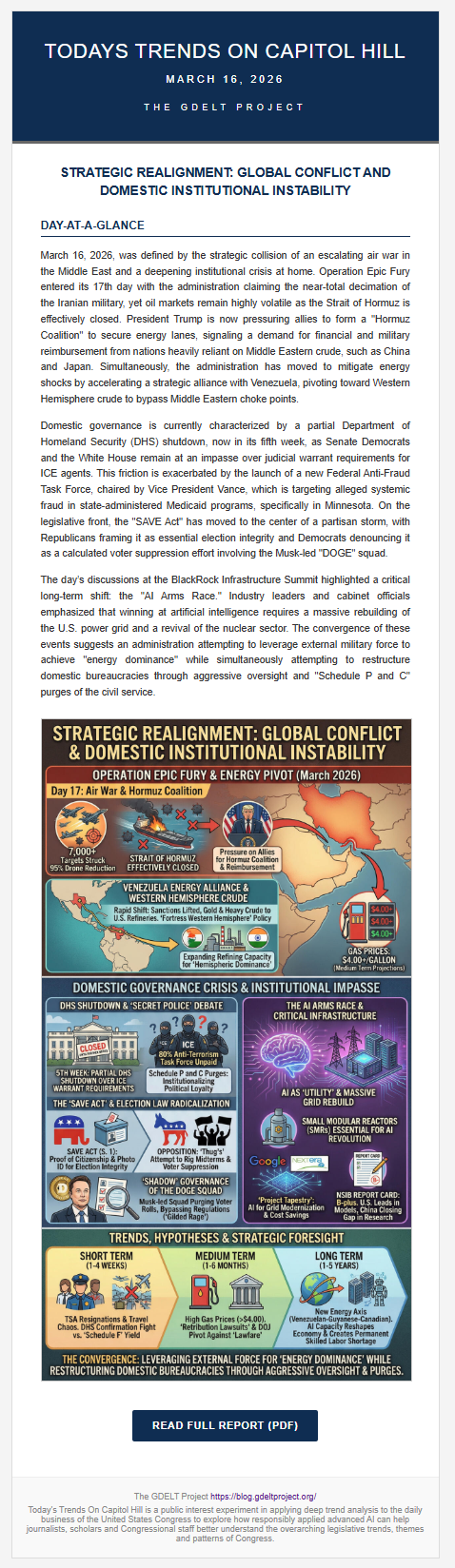
The email shouldn't summarize or contain any of the text other than the day-at-a-glance text and the title (the all-caps sentence just above it)
and perhaps the cover image.
Provide me basic simple minimized HTML that would work well to provide subscribers with a link to the report
(the link should be [LINK]).
Make it similar style and look-and-feel.

...

That is fantastic. What would it look like to add the attached cover image somewhere in the email?

...

Encode a THUMBNAIL of the image as data within the HTML so it doesn't need to load from an external URL.
Make the thumbnail small but understandable.

...

Actually, that doesn't look great, instead make the image an <IMG> embed to [IMG].

...

That's great. Now make me a version for a second newsletter that has 50 reports i need to link to in the email each day.
Modify it to accommodate all 50 and still be readable and engaging.

...

I don't want a focal report at the top. All reports are equal down the list. Keep things really efficient.
You can see the final results below:
And the larger compilation newsletter: